Popular Posts
-
BP8_Web 2.0 Gaggle Commercial
-
Web 2.0 Tool for all professionals - My web 2.0 tool chosen is animoto.com where soon power point presentations will be a thing of the pas...
-
 Moving in the right direction image from www.freedigitalimages.net The point that stood out for me in chapter 5 was the importance of e...
 -
 Gaggle.net The web 2.0 tool that I selected to use and write about is called Gaggle. Gaggle is a Web 2.0 tool that can be used in any...
 -
I just listened to the week 1 Wimba Session 1 and I tell you there was more information than I counted on. Fortunately, I have already compl...
-
 The video A Fair(y) Use Tale was an awesome presentation that I believe will truly captivate my students next year on the use of copyright....
 -
 This weeks web 2.0 that I selected is Zoho.com. Zoho is a collaboration site that will manage all of your personal and business needs. Zoho ...
 -
 image from freedigitialimages.net After reading the requirements for the Project/Leadership publishing assignments, I thought it would...
Showing posts with label sound effect. Show all posts
Showing posts with label sound effect. Show all posts
Monday, November 15, 2010
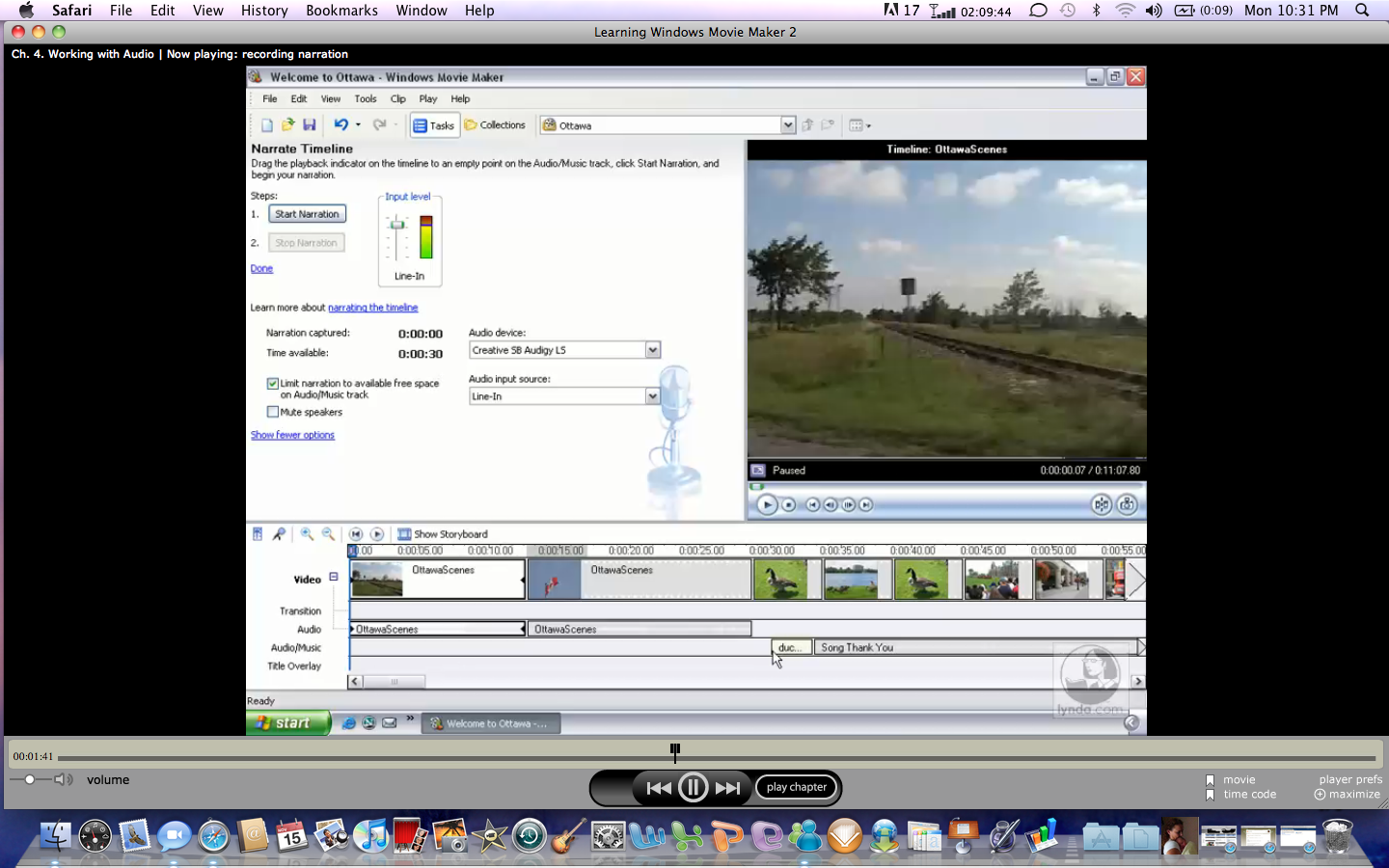
PE6_MovieMaker Audio and Narration

Subscribe to:
Posts (Atom)