
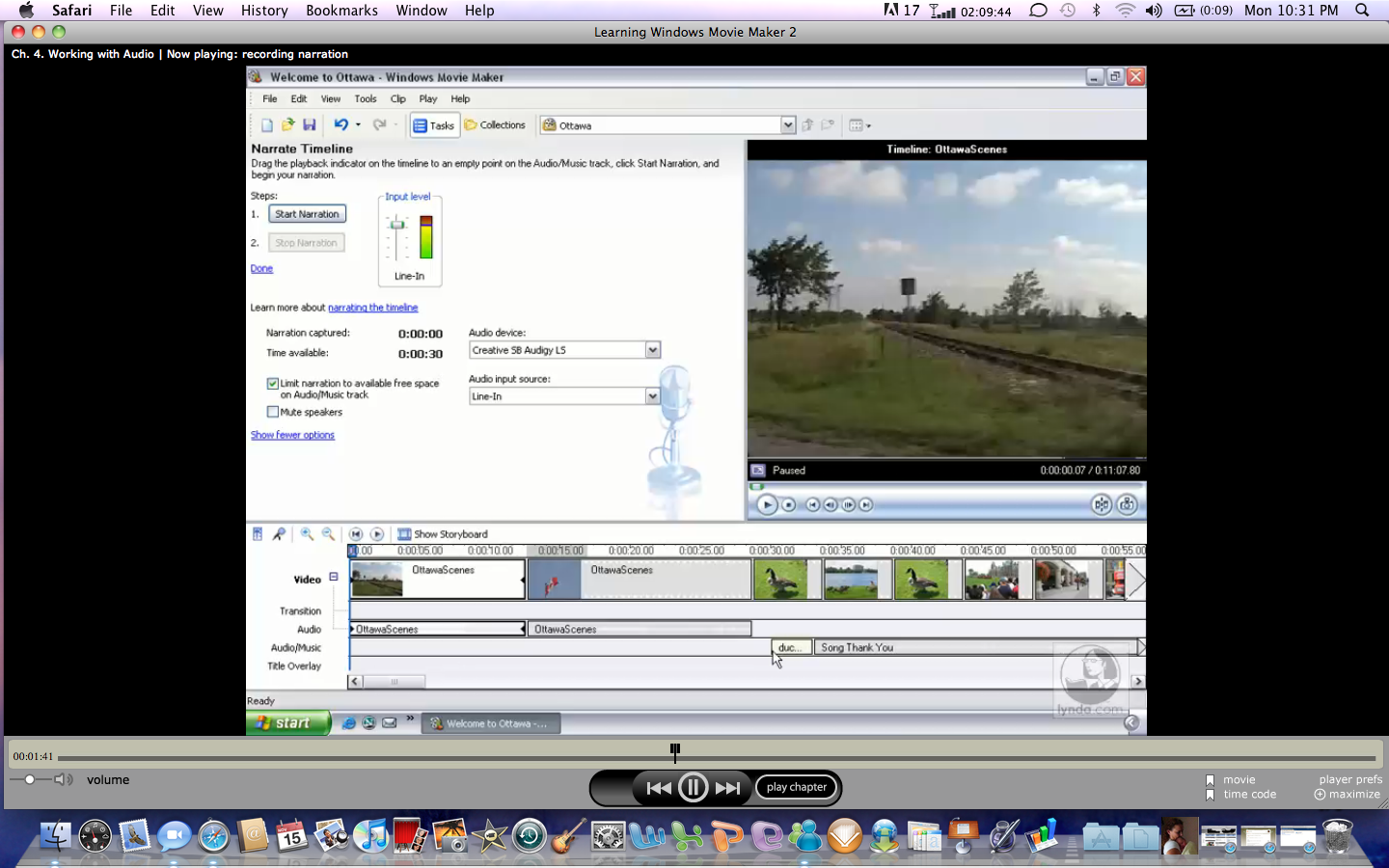
Another blog on MovieMaker. Well, this time I am going to be discussing adding sound so your video. MovieMaker gives you several options to adding audio to your projects. These include narration, background music, and sound effects. With narration, within MovieMaker, you just select narration and record your own voice using your line in function or your microphone. MovieMaker allows you also adjust the volume levels of your narration. With MovieMaker, you can also add background music or audio. This music can be adjusted with your narration to create a full quality video effect. You can also add sound effects and import your own to be used with your clips. Using MovieMaker is a great way to capture the attention of your audience as they anticipate what they will see or hear next, especially knowing that you are the one who created the video. MovieMaker can be saved in various formats to be uploaded to your video camera for playback on your big screen. Or you can save the project as an avi or mov file to be imported into another video format. So there you have it Windows MovieMaker.

No comments:
Post a Comment